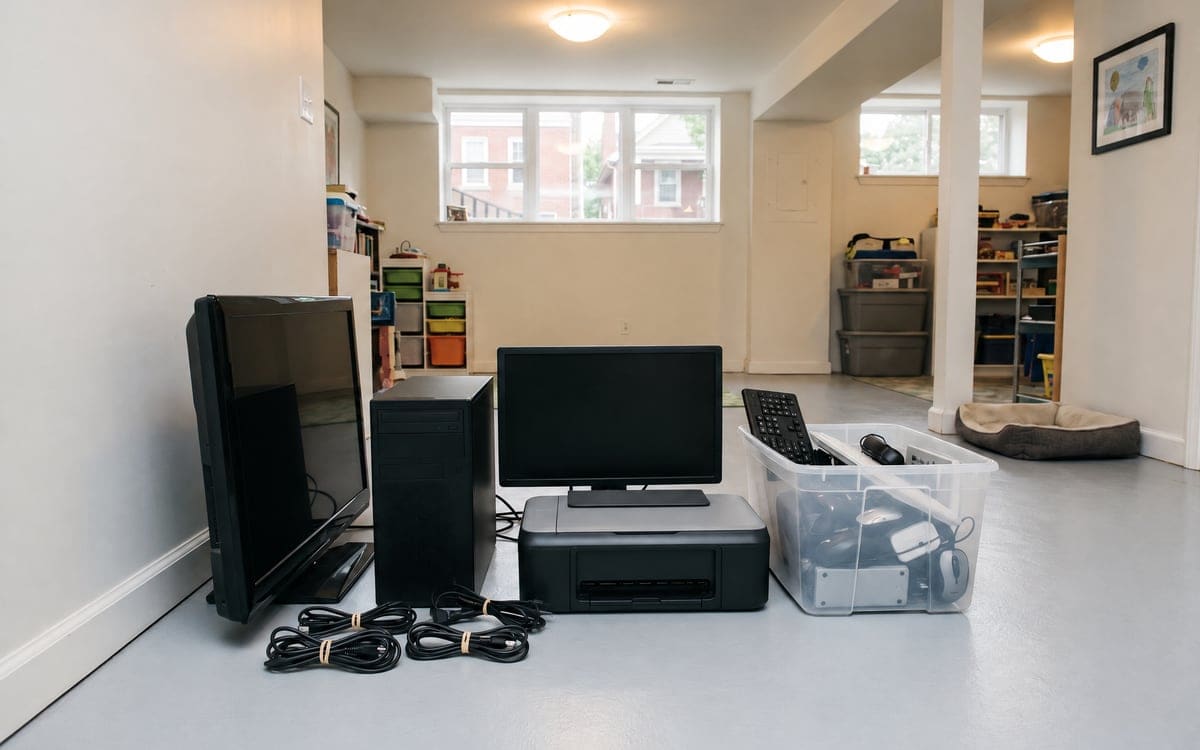
Illinois has kept electronics out of the trash since 2012
The City of Chicago announced the ban, which took effect January 1, 2012: it became no longer legal for individuals to dispose of unwanted electronics in their regular trash, and Illinois landfills may not accept them.1 The devices must be taken to a registered recycler.
The covered list includes computers, monitors, electronic keyboards, scanners, fax machines and other household electronics. Televisions are on it.
TVs are on the list, and the ban sends them to a registered recycler
Flat-panel TVs are easier to move than their predecessors, but they still cannot go in the trash under the state ban. Residents can take a TV to the City facility themselves. For a TV too heavy or too awkward to carry alone, that is a crew visit; ask any hauler where its electronics go. The City code holds licensed junk peddlers to taking junk to a City-permitted junk facility, recycling facility, transfer station or landfill, and to keeping records.2 For why the alley is not an option either, see the fly dumping guide.
A TV coming out of a wall mount adds one more step: the bracket on the back of the set is often different from the one on the wall. A crew can take the set off the arm with the bracket intact, so the next TV can be hung without new holes.
The City's monthly drop-offs are on hold
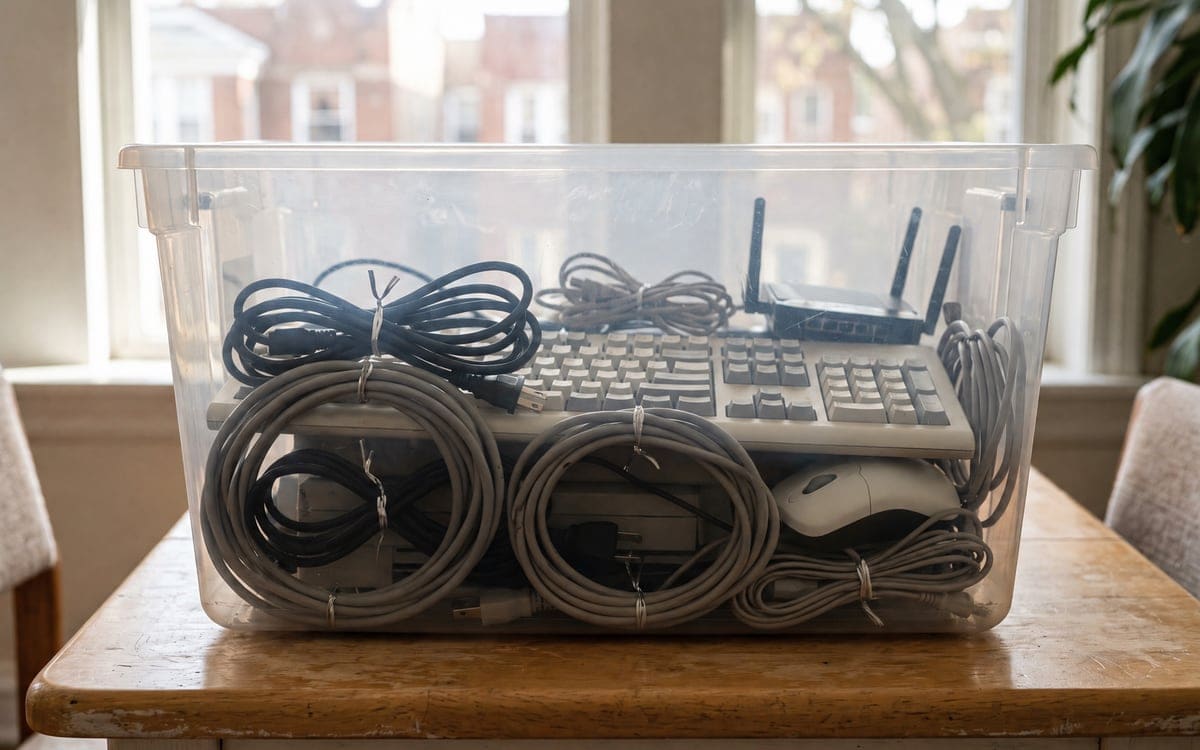
Chicago's monthly e-waste drop-off locations are on hold until further notice,3 per the City's own Chicago Recycles page, which points residents to the chemicals facility instead.
If a bookmark or a flyer still lists an old monthly drop-off, treat it as expired until the City's current page says otherwise. The schedule may come back, and it may not. Either way, planning around a date that is not open is how a tube television ends up back in the trunk and back in the garage.
One City facility still takes them from residents
The Household Chemicals and Computer Recycling Facility still takes residential electronics. The site sits at 1150 N. North Branch Street, two blocks east of the Kennedy Expressway at Division Street.4 Check the City's accepted list and current schedule before loading the car, since not every device is on the list and the open window can shift. Paint and chemicals, which the same facility takes, can ride along in the same load as long as everything is sorted.
Businesses need their own recycler
All Chicagoans are welcome to drop off their individual household chemicals and electronics; businesses and large groups must work with a private disposal company,4 the City says on the facility's own page.
That reaches further than a landlord might expect. A small office closing down, a shop upgrading its back-office computers, an office's computers in a cleanout: all of those are business waste, even for a shop with only a handful of devices.
Old tube TVs are the heavy problem
The hardest electronics to move are old CRT televisions and the matching heavy CRT monitors. A tube TV is heavy and front-heavy, so it is not a job to do alone, and a tipping hazard on a staircase.
For a basement of old electronics built up over the years, the tube units are the heavy pieces to plan around. Carrying a tube TV yourself is worth reading before anyone commits to the stairs.
Older stereo components, rack amplifiers and tube radios share the heavy-and-awkward problem. The wood cabinet weight gets added to the electronics on top, and the back panels tend to break if the unit is set down hard. For those pieces, a crew can carry it directly from the room to the truck rather than wedging it into the back seat of a car.
Wipe your data before anything leaves
A recycler is not a data-destruction service by default. The responsibility for the data on the device sits with the person letting the device go.
Wipe or remove your own data before anything leaves the house. Each maker's support site walks through how to reset or sign out of its devices. Phones, laptops, routers, speakers and anything else that remembers who signed into it all have their own steps on those pages.
Make a short list before the drop-off visit: a line per device, a check mark when the reset is confirmed. That one page keeps you from standing in the drop-off line wondering whether the laptop you just carried in was signed out of email or not.
Hard drives are the piece people worry about most. If a device had financial records, tax paperwork, business files or client data on it, the manufacturer's secure-erase option is a reasonable baseline, and keeping the drive out of the device entirely is the stronger version. A drive pulled before the carry can be destroyed physically or kept in a drawer. The rest of the device still goes to a recycler under the state's rule; what travels with it is up to you.
For phones and tablets, a signed-out factory reset leaves the device as it came from the box as far as a new user is concerned. For an old router, the reset button on the back usually brings it back to its default settings, which clears the stored password and any device logs the household built up on it.
When a removal crew makes sense
For one laptop and a few small devices, a trunk and an open window at the drop-off is the simplest answer. For a cleanout that includes a tube television and a stack of monitors, a crew makes the stairs and the carry simpler. Ask any hauler where its electronics go.
A move-out that mixes electronics, furniture and appliances, which follow other rules brings three sets of rules into play. The crew sorts the different categories as it loads.
A cleanout at a parent's house pulls decades of electronics out at once: an old desktop or two, a stereo rack, speakers, a laserdisc player nobody has powered on since the move-in, a VCR with a tape still in it. Each of those is its own small question of what to wipe and what the facility will take.
Where to drop electronics in Chicago
For residents, the drop-off is 1150 N. North Branch Street, during the hours the City's page lists on the day of your visit. The monthly drop-off events are on hold. A crew visit is the alternative when the load is more than a car can take.
Before anyone makes the trip, read the facility's accepted and not-accepted lists against what you have, and sort by category so the staff can direct the car.
Table: by device
| Device | Can it go in the trash | Where it can go |
|---|---|---|
| Flat-panel TV | No | A registered recycler |
| Tube television | No | A registered recycler; not a job to do alone |
| Desktop computer | No | A registered recycler, with data wiped first |
| Laptop | No | A registered recycler, with data wiped first |
| Monitor | No | A registered recycler |
| Printer | No | A registered recycler, after a factory reset |
| Phone or tablet | No | A registered recycler, signed out of its account first |
| Cables and chargers | No | A registered recycler |
| Business electronics | No | A private disposal company; City facility is residents only |